How to choose a style for your product demo
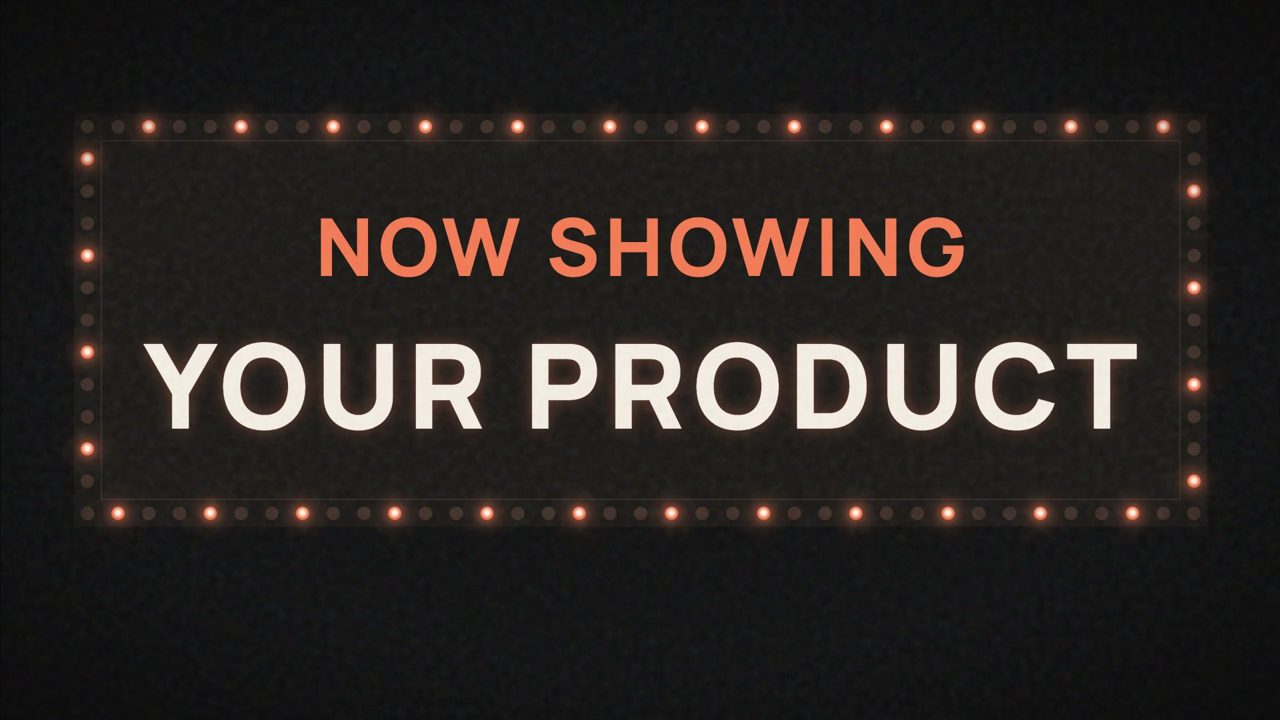
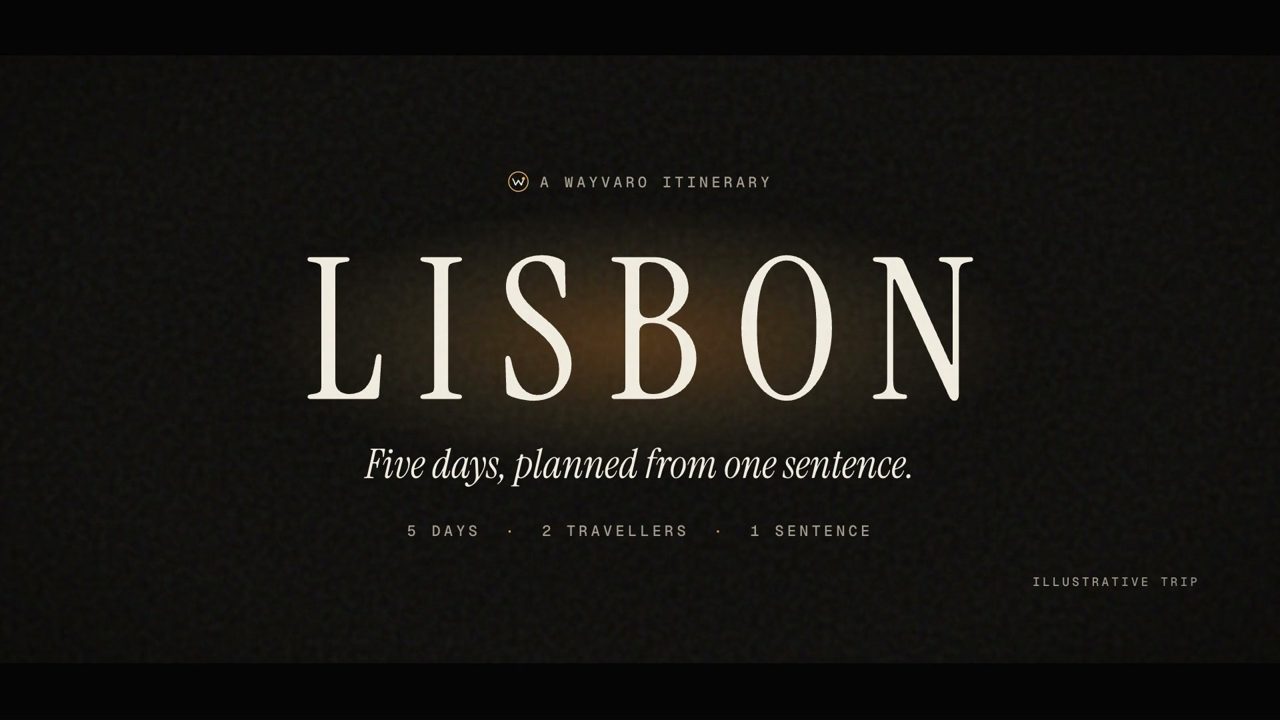
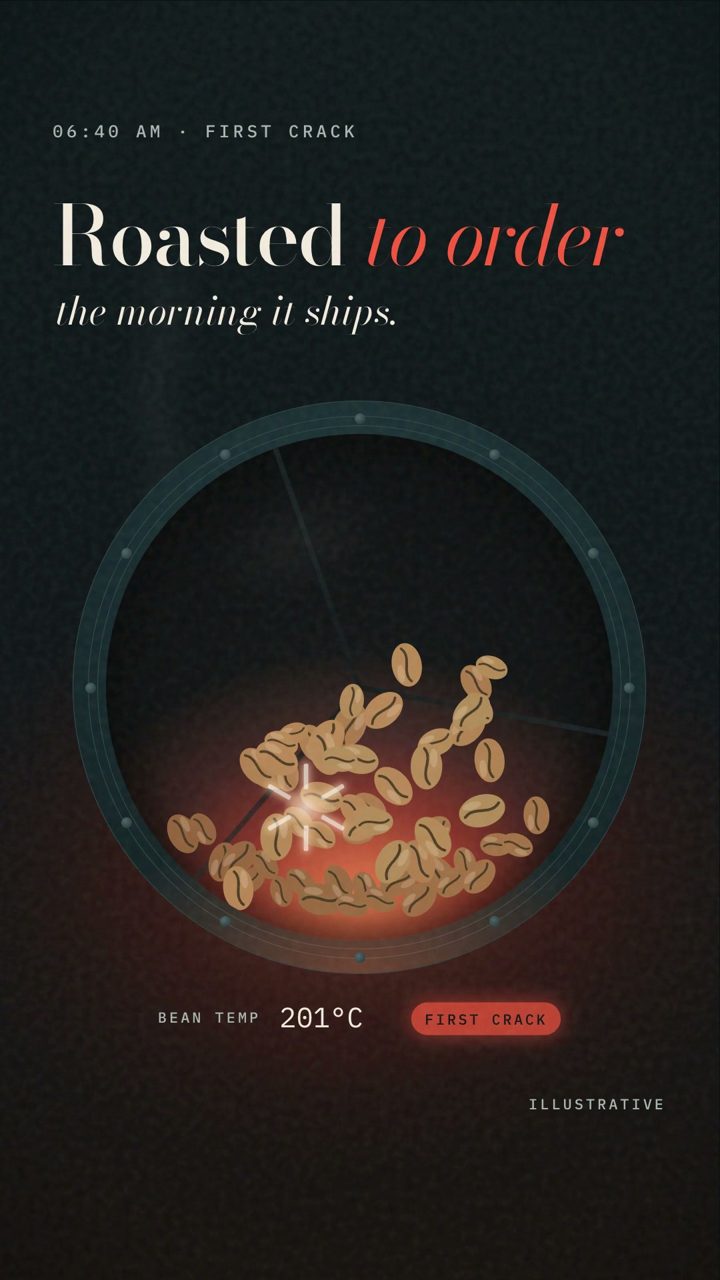
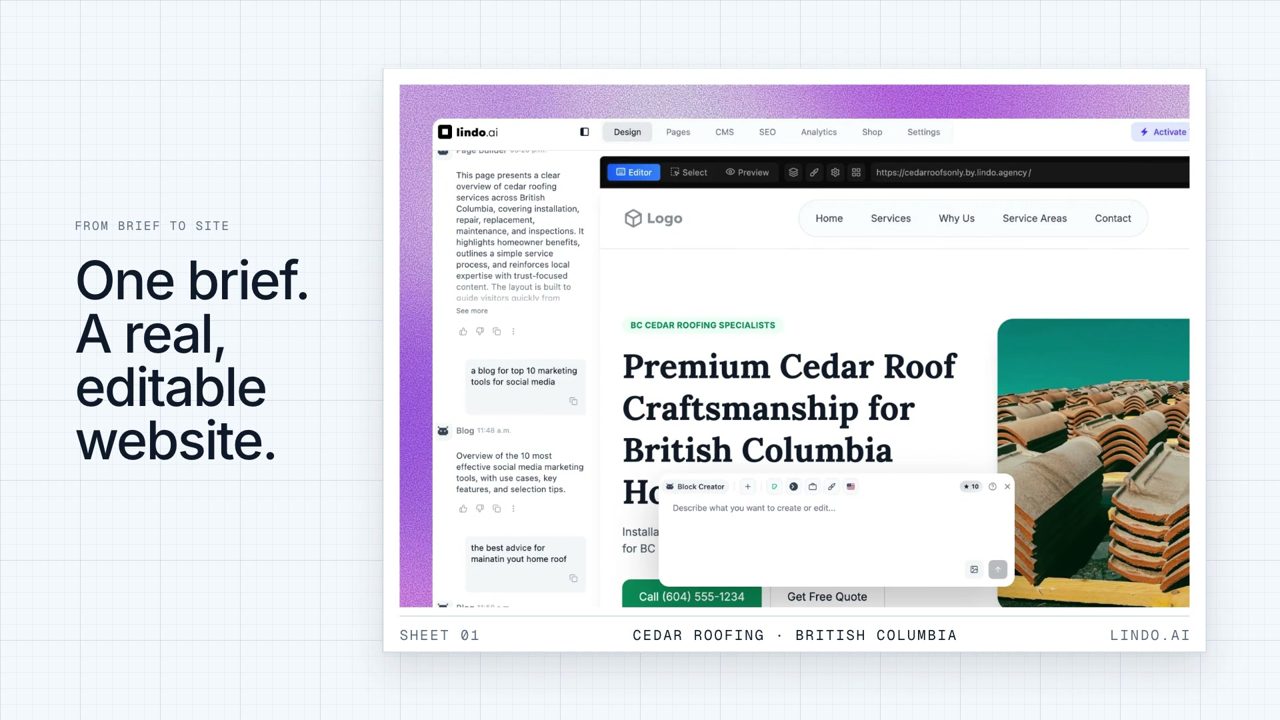
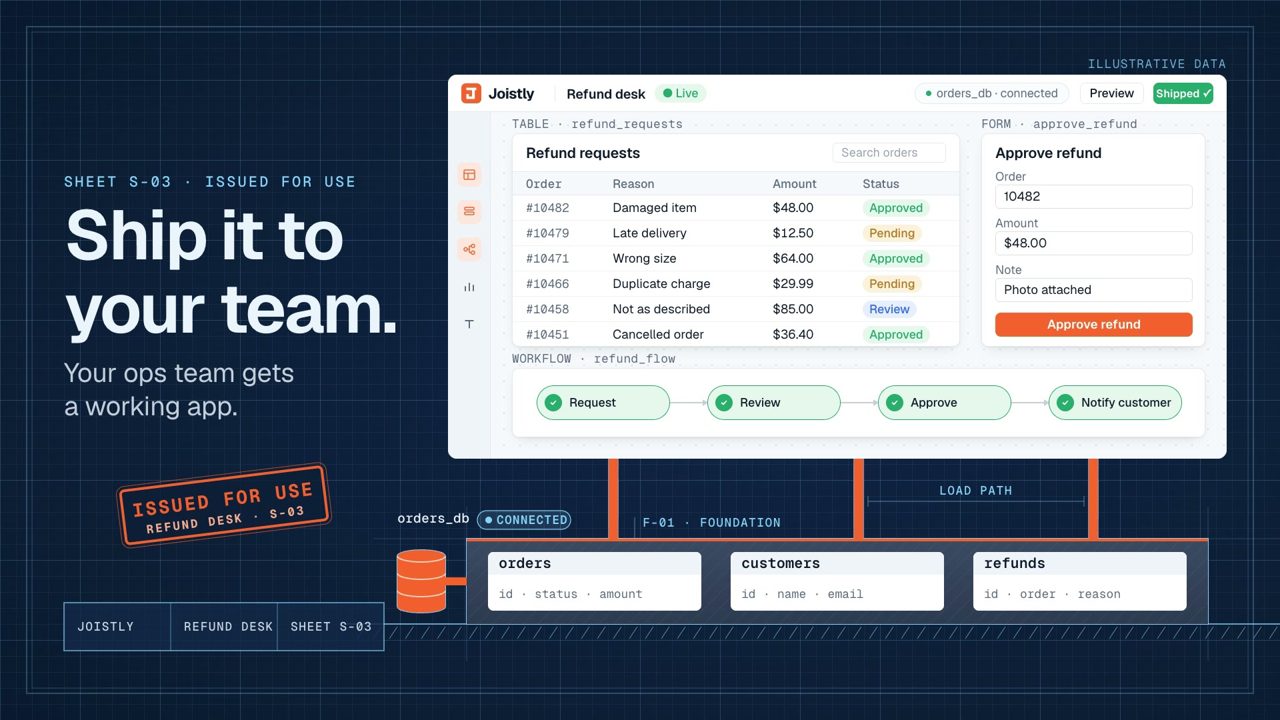
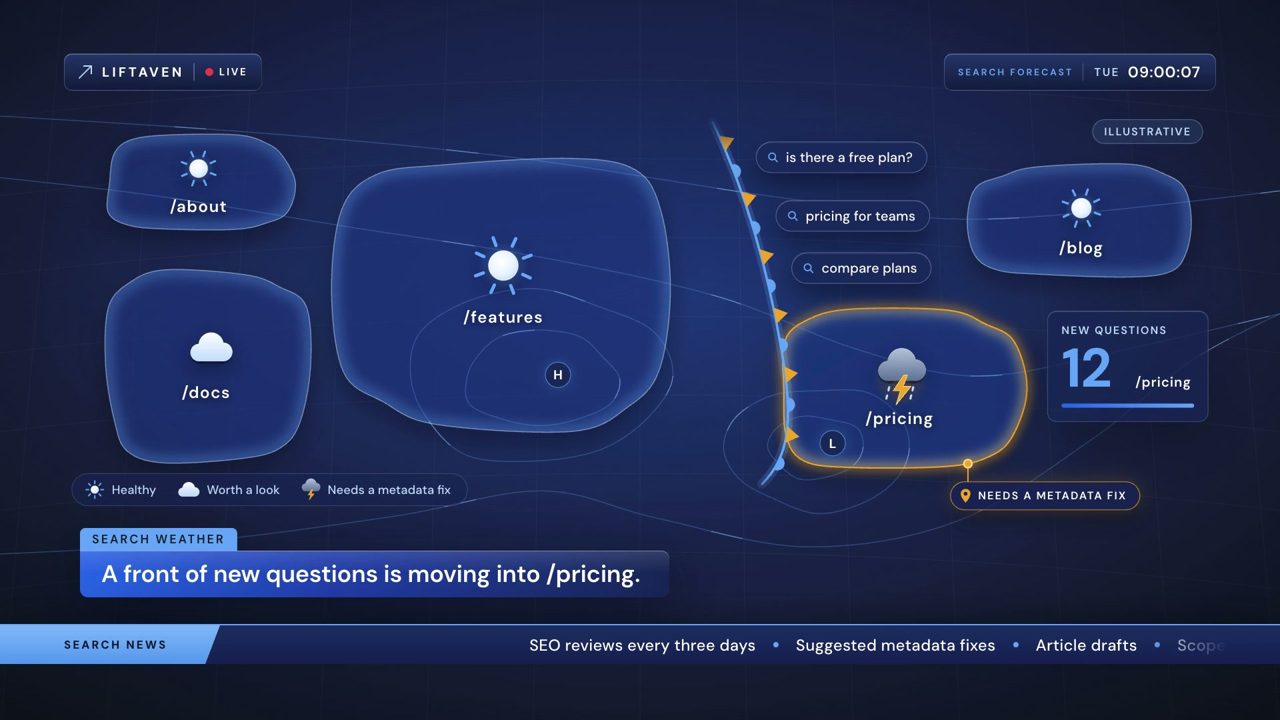
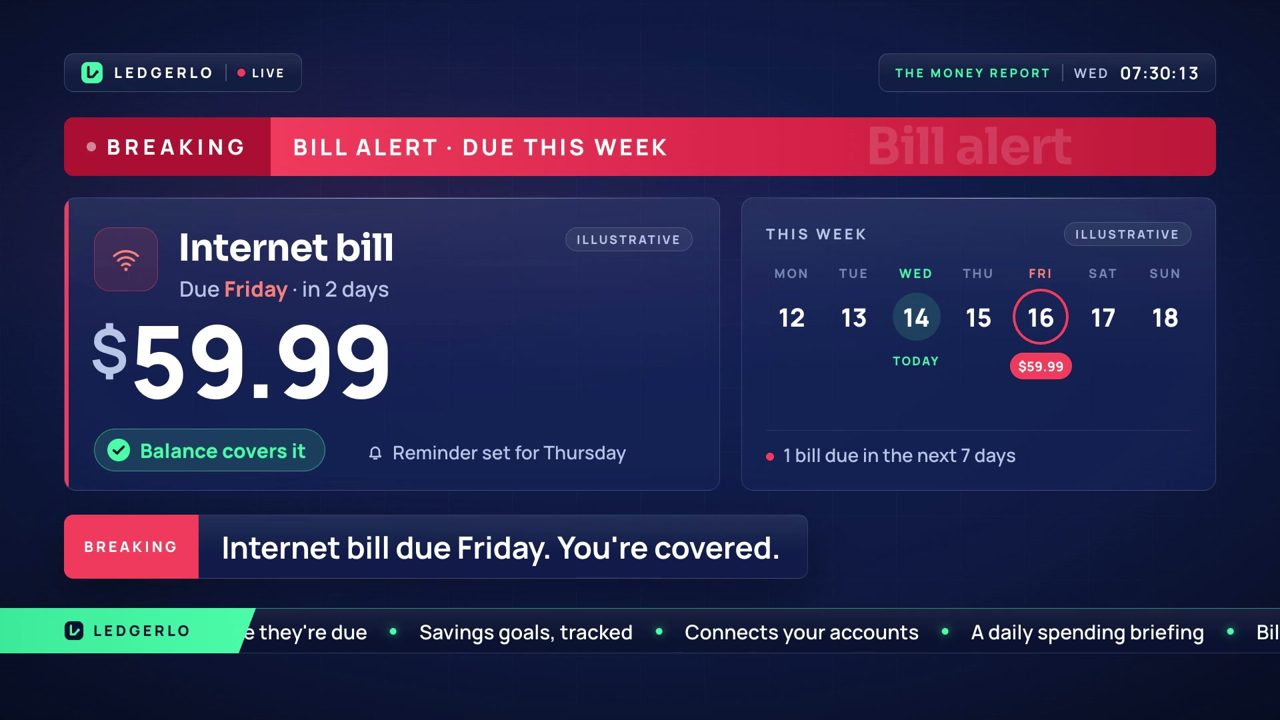
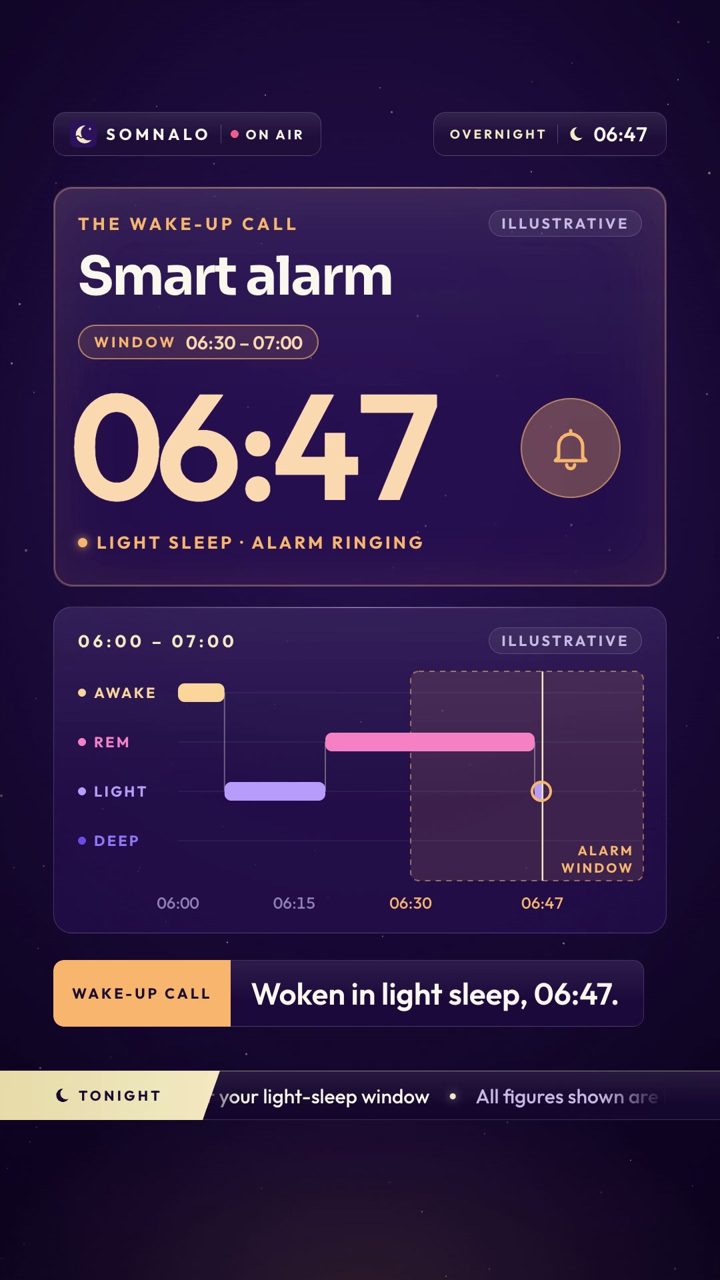
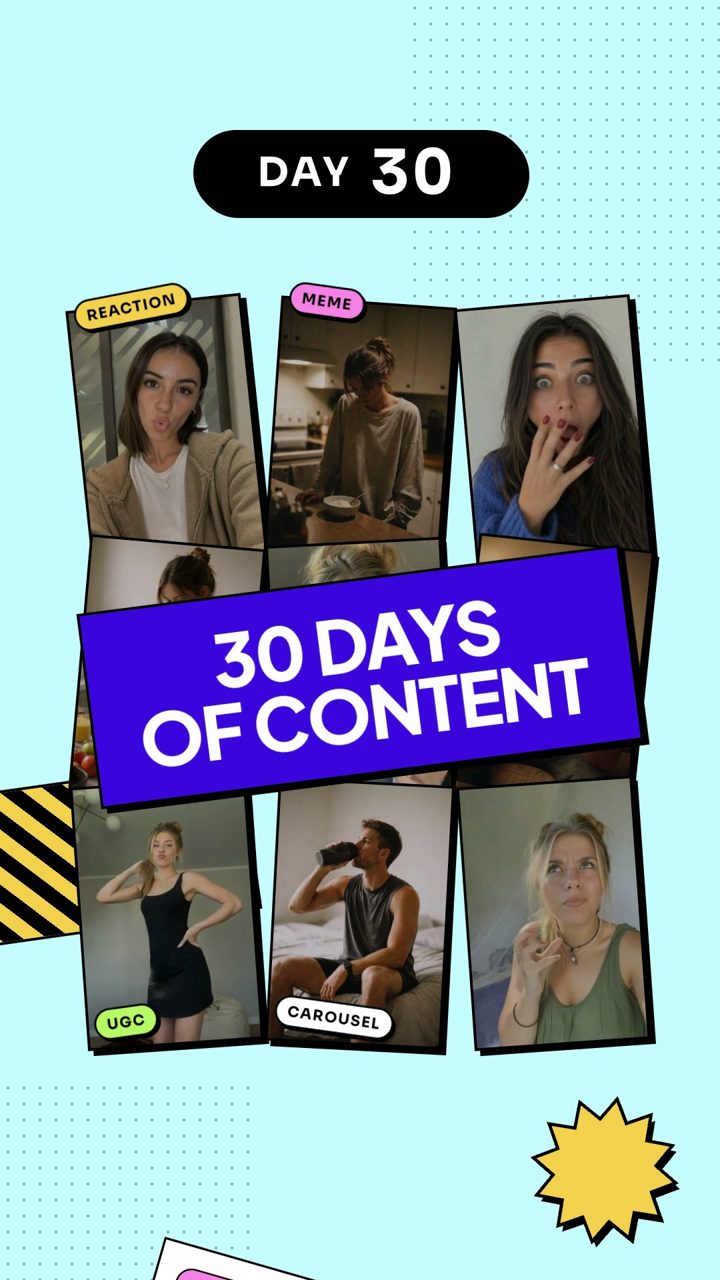
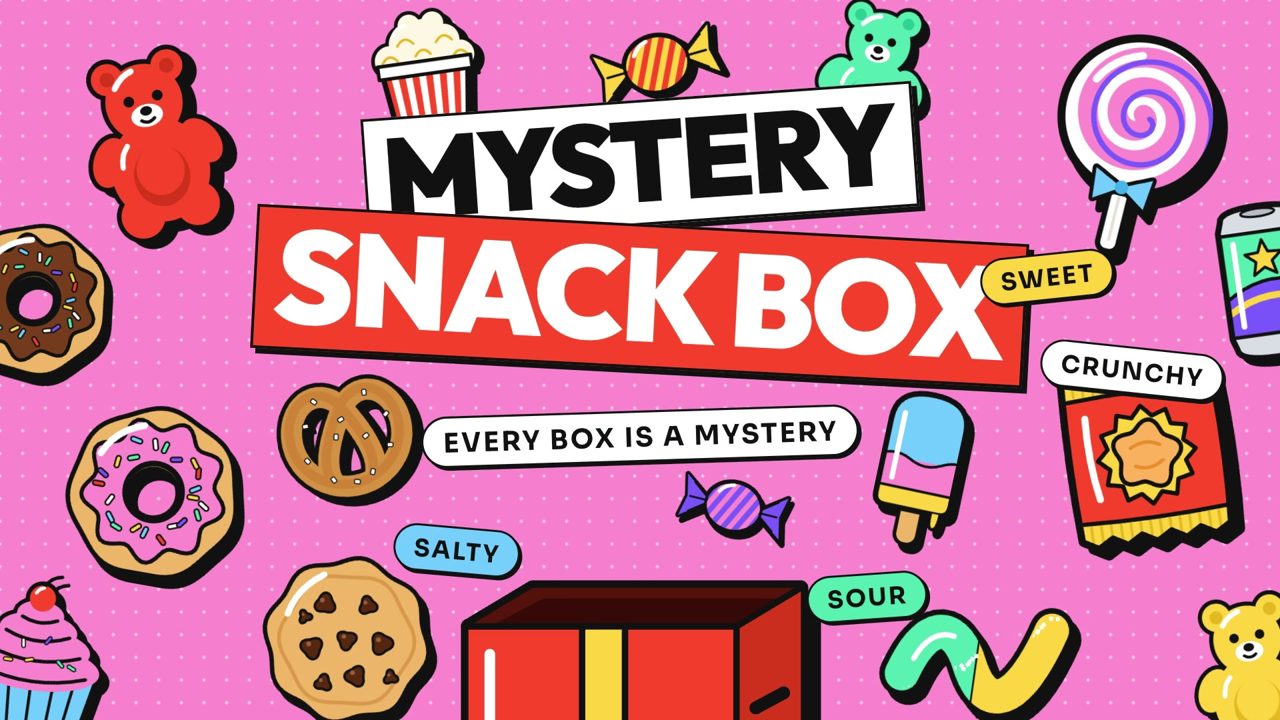
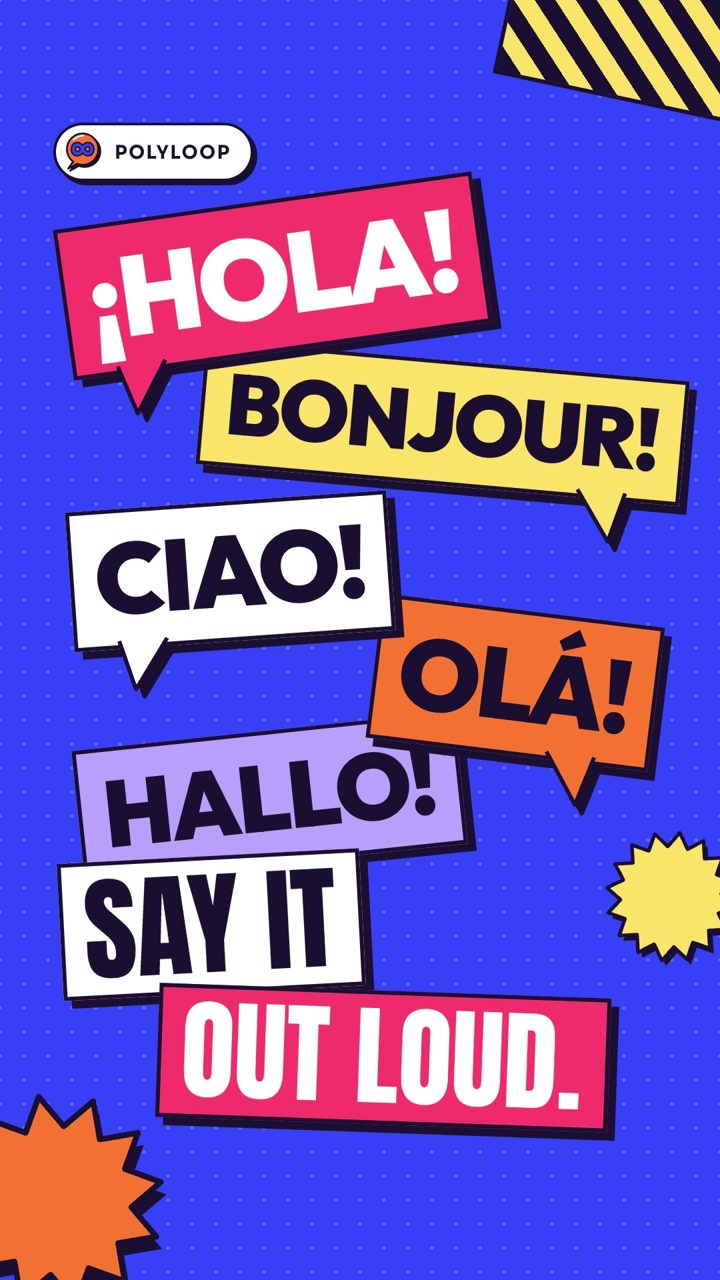
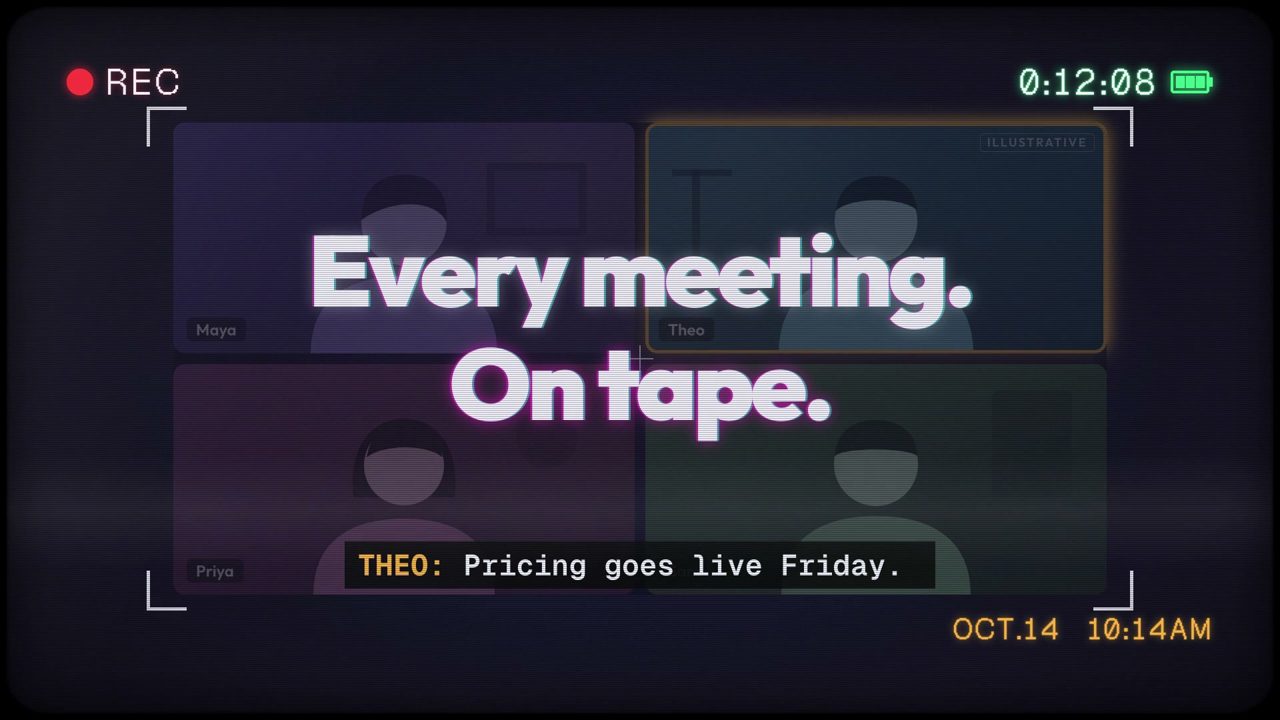
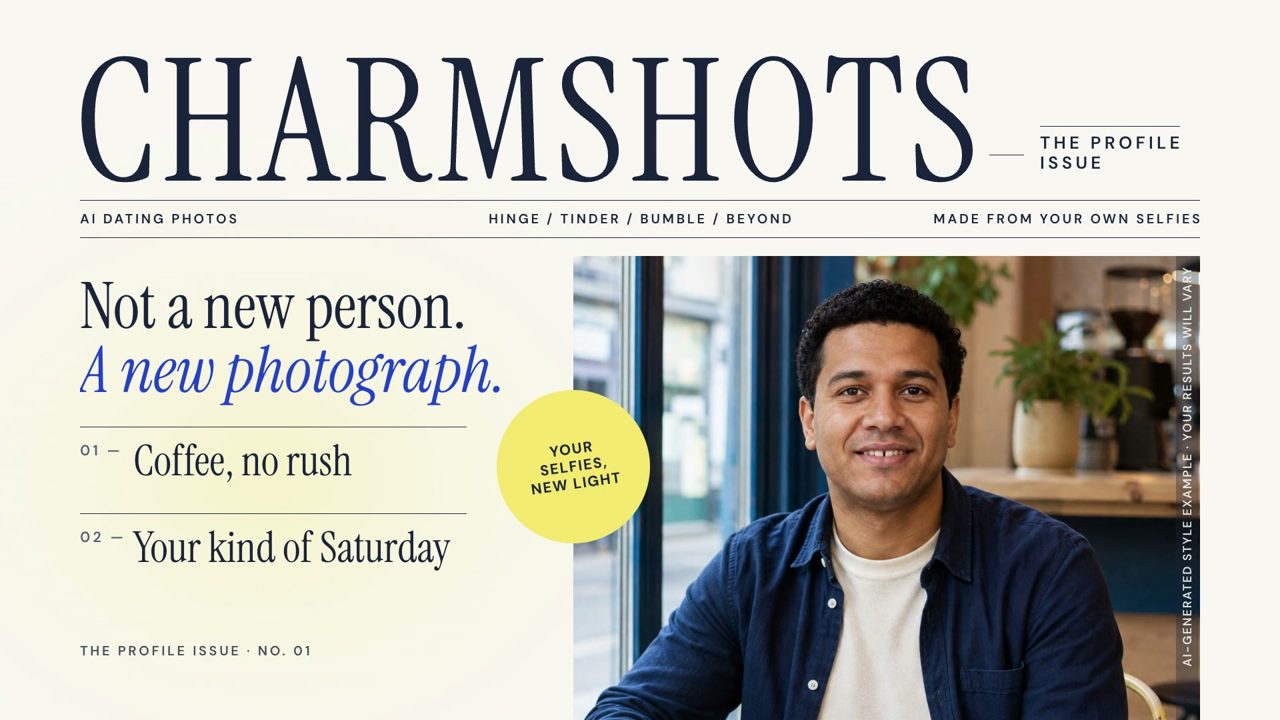
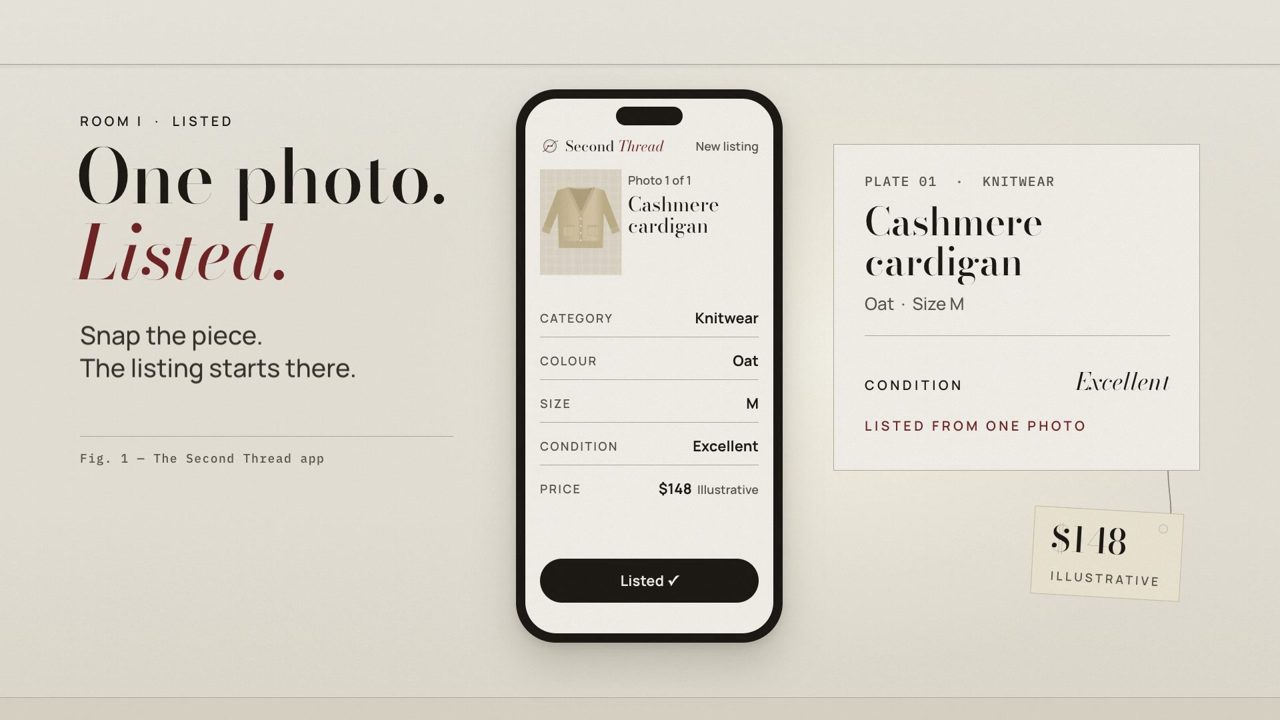
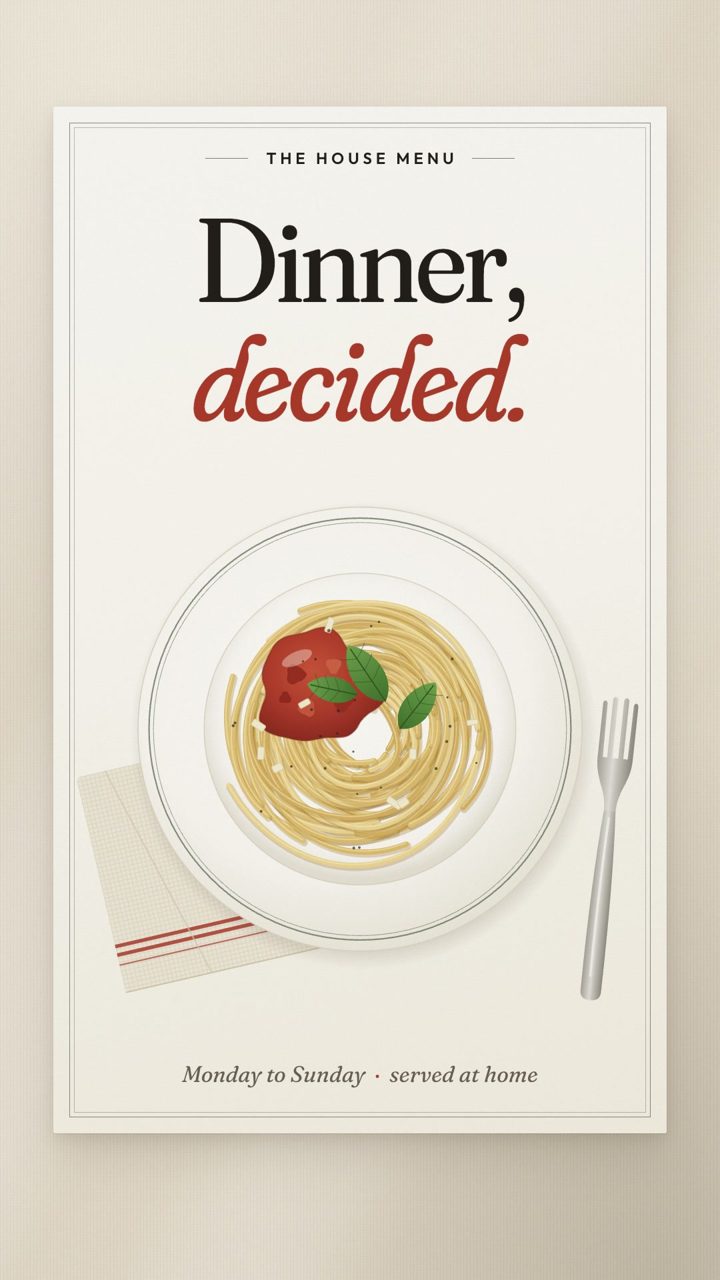
Start from the result your product delivers, not from the look you like best. A finance or analytics product usually has one number that changed, which suits the Broadcast style. A developer tool that turns a plan into something running suits Blueprint. A consumer app that lives in a vertical feed needs the speed of Sticker Pop. When a product is about taste, such as food, fashion or a premium tool, Editorial gives it room.
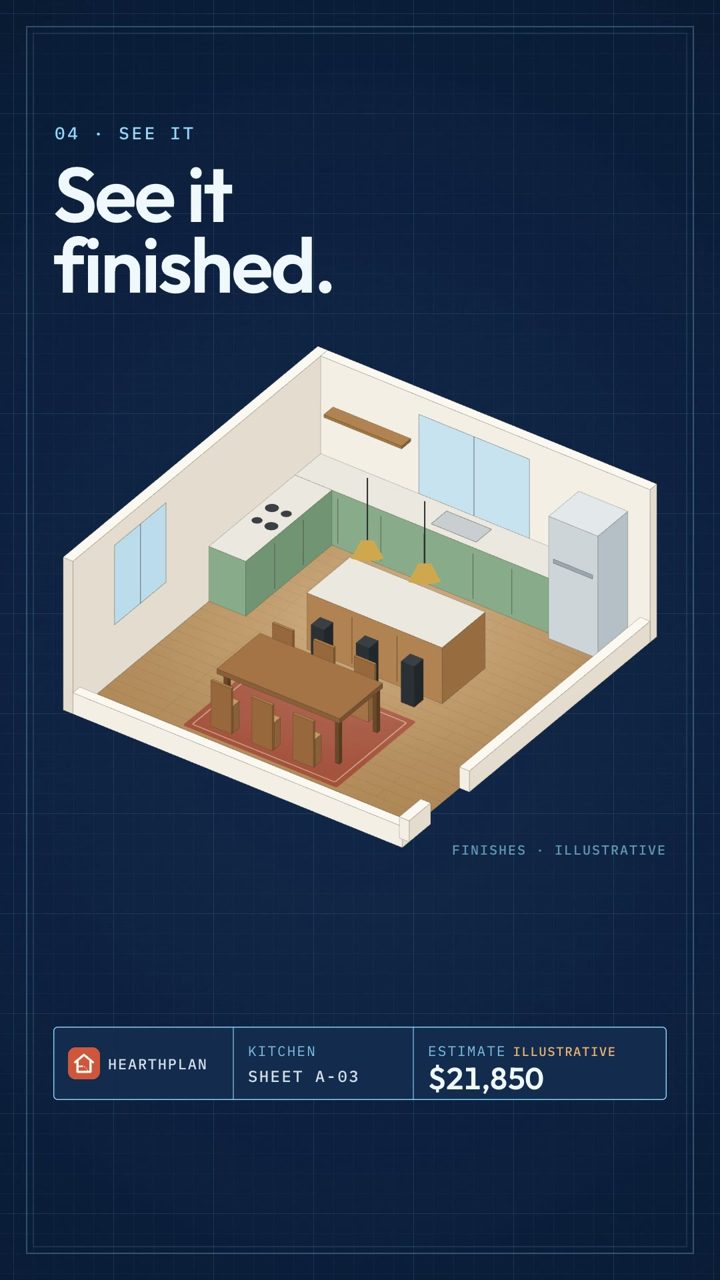
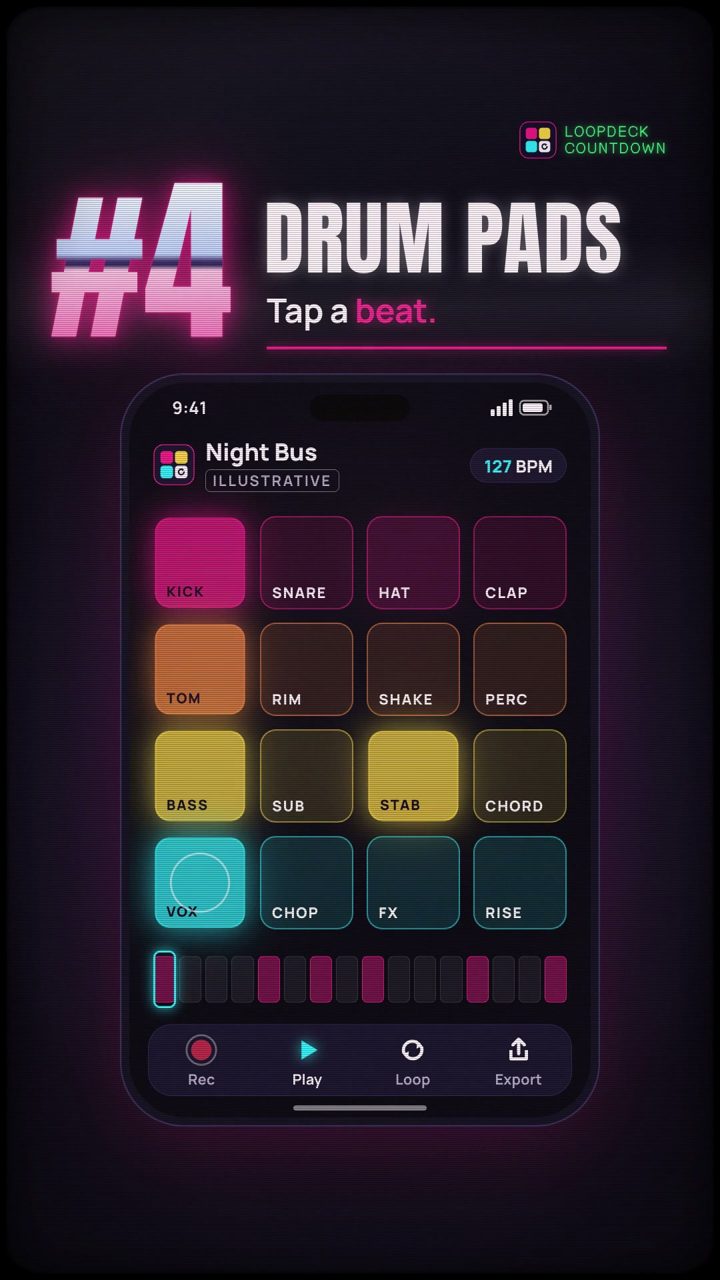
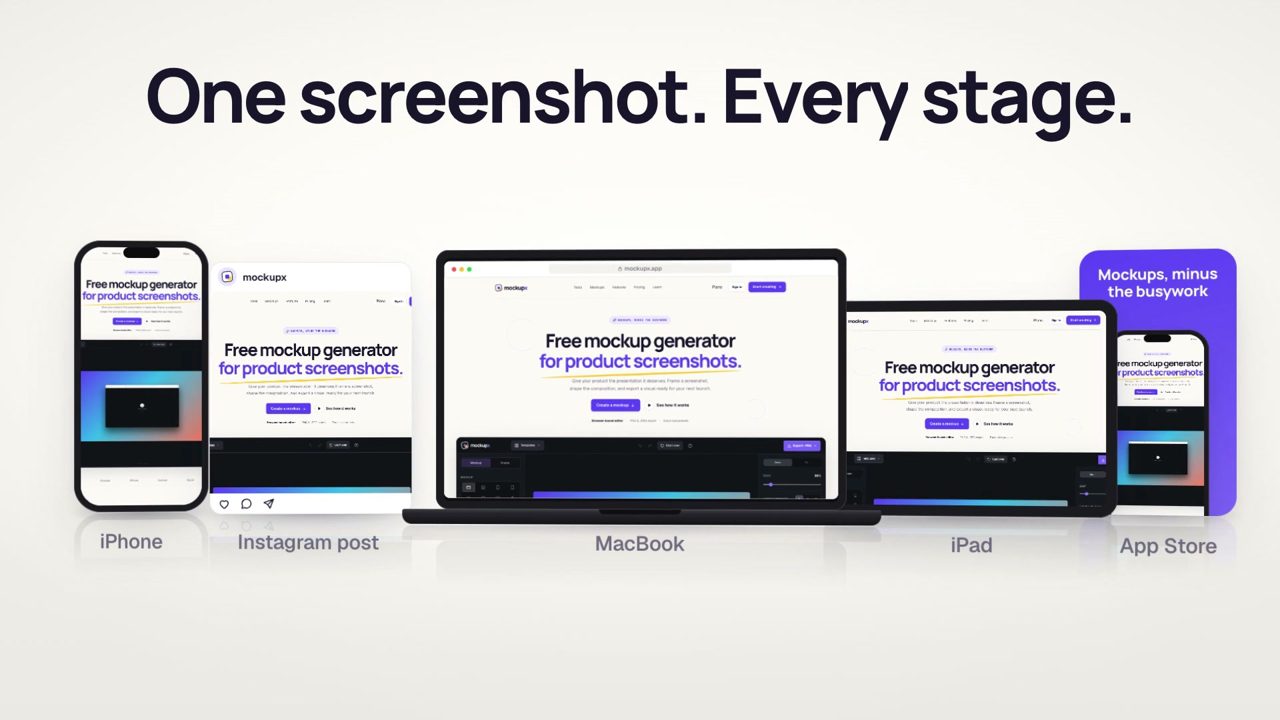
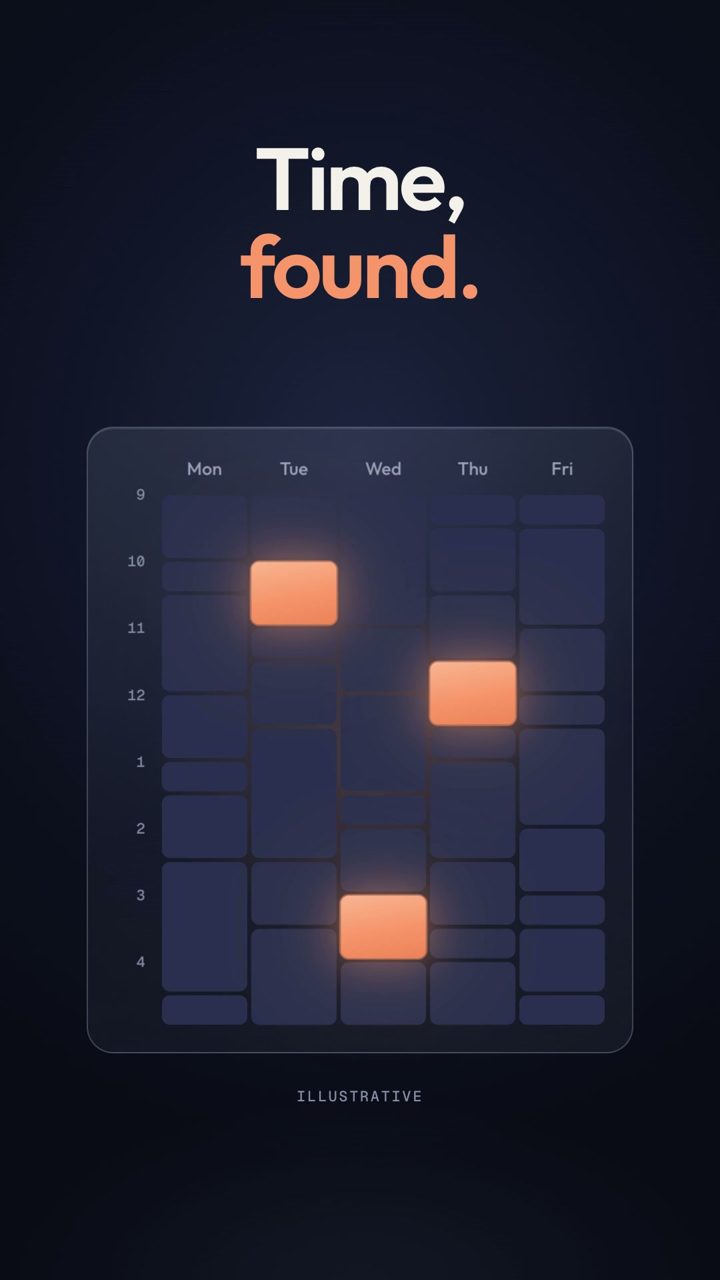
Then check the format. Desktop films at 16:9 belong on landing pages, in launch posts and in sales follow-ups. Vertical films at 9:16 belong in Reels, Shorts, TikTok and Stories, where the first second decides whether anyone keeps watching. Several styles above include both formats, so you can compare how the same look behaves in each.
What to look for in a good demo film
- The product is visible early. Within the first few seconds the viewer should see a real screen, not only titles.
- One idea per scene. Each beat makes one claim and shows the screen that proves it.
- Readable at real size. Watch on a phone for vertical films and at a normal window size for desktop films.
- An honest ending. The last frame tells the viewer what the product is and where to go next, without inventing results.
For planning help, see the AI product demo video generator guide, the SaaS demo video guide and the recorded product walkthrough examples.
Questions about the sample films
Are these real customer videos?
No. They are sample films. Eight were made for real products from the same portfolio as Demovela, using their public websites. Sixteen are for fictional brands invented for the samples, and each of those is labelled as fictional on its page.
Can I get one of these styles for my own product?
Yes. Paste your website URL, choose a style and Demovela creates a film for your product in that look. Your first watermarked film is free; the clean export and further versions use credits, one per finished second.
Do I need to record my screen first?
No. The first film is made from your public website. You can add a screen recording or upload later if you want to show a specific interaction inside the product.
How long are the films and what formats do they come in?
The samples run between 19 and 24 seconds. Each is either a 16:9 desktop film at 1920 × 1080 or a 9:16 vertical film at 1080 × 1920 for mobile feeds, delivered as MP4.